
Start with the print file and the cut path
Good registration starts before the roll goes on the machine. The printed mark pattern, the cutter path and the repeat length must agree, or the web spends the whole run correcting itself. On narrow labels that can show as ragged edges, off-centre kiss cuts or waste that will not strip cleanly.
Check whether the job uses a fixed repeat, variable data or mixed artwork across the roll. A line running laminated labels needs different control from a plain paper job, and a varnished surface can change how a sensor sees the mark. If the print carries dense blacks, metallic foil or clear areas near the mark, the sensing choice matters more than people expect.
- Confirm repeat length in metres or millimetres, not just label size.
- Keep registration marks consistent in shape, contrast and position.
- Allow a quiet zone around the mark so the sensor reads cleanly.
- Check whether the reverse side, laminate or varnish will affect detection.
Sensor choice is not one size fits all
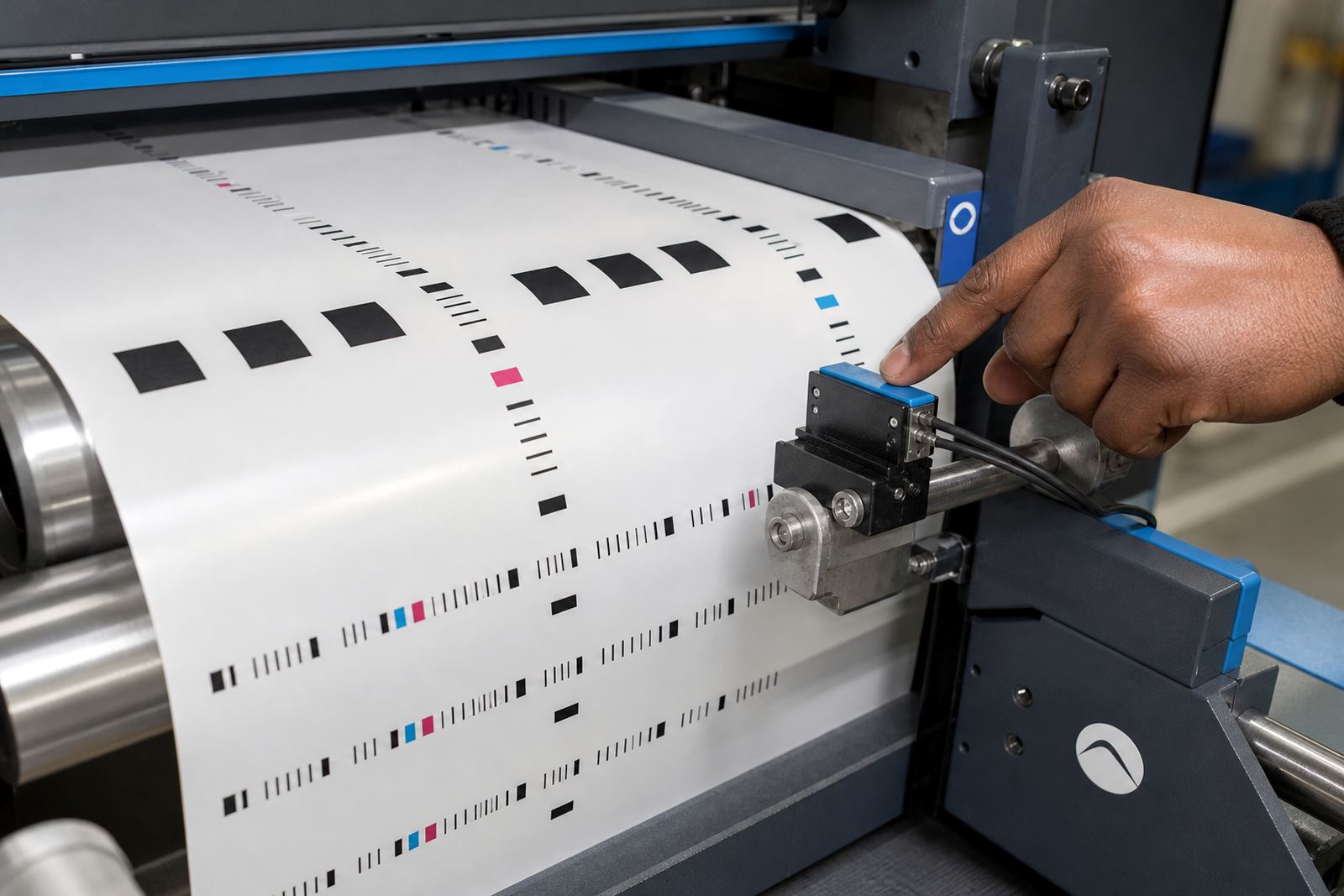
Different jobs ask for different sensing methods. A reflective sensor reads contrast marks on the face material. A through-beam setup can be useful when a clear web, liner or special substrate makes surface reading unreliable. Semi-rotary systems may use encoder feedback together with mark reading, while laser cutting lines often need very stable web control and precise mark placement.
The operator should know where the sensor is mounted, what height it needs and how far it sits from the printed mark. If the mark drifts too close to the edge, the sensor can lose it during tension changes or when the roll diameter gets smaller. That is where registration calibration becomes part of everyday setup, not a once-off exercise.
- Match the sensor type to the print finish and substrate colour.
- Set the sensor height for the actual web, not the sample on the table.
- Watch for mark loss after splice points or roll changes.
- Check encoder settings when speed changes affect cut position.
Web handling through unwind, lamination and rewind
Registration is not only a marking problem. The web must travel evenly from unwind to rewind, with enough control through lamination, die-cutting, slitting and matrix stripping. If tension swings, the cut shifts. If the laminate pulls differently from the base stock, the mark may still be read correctly but the cut lands in the wrong place.
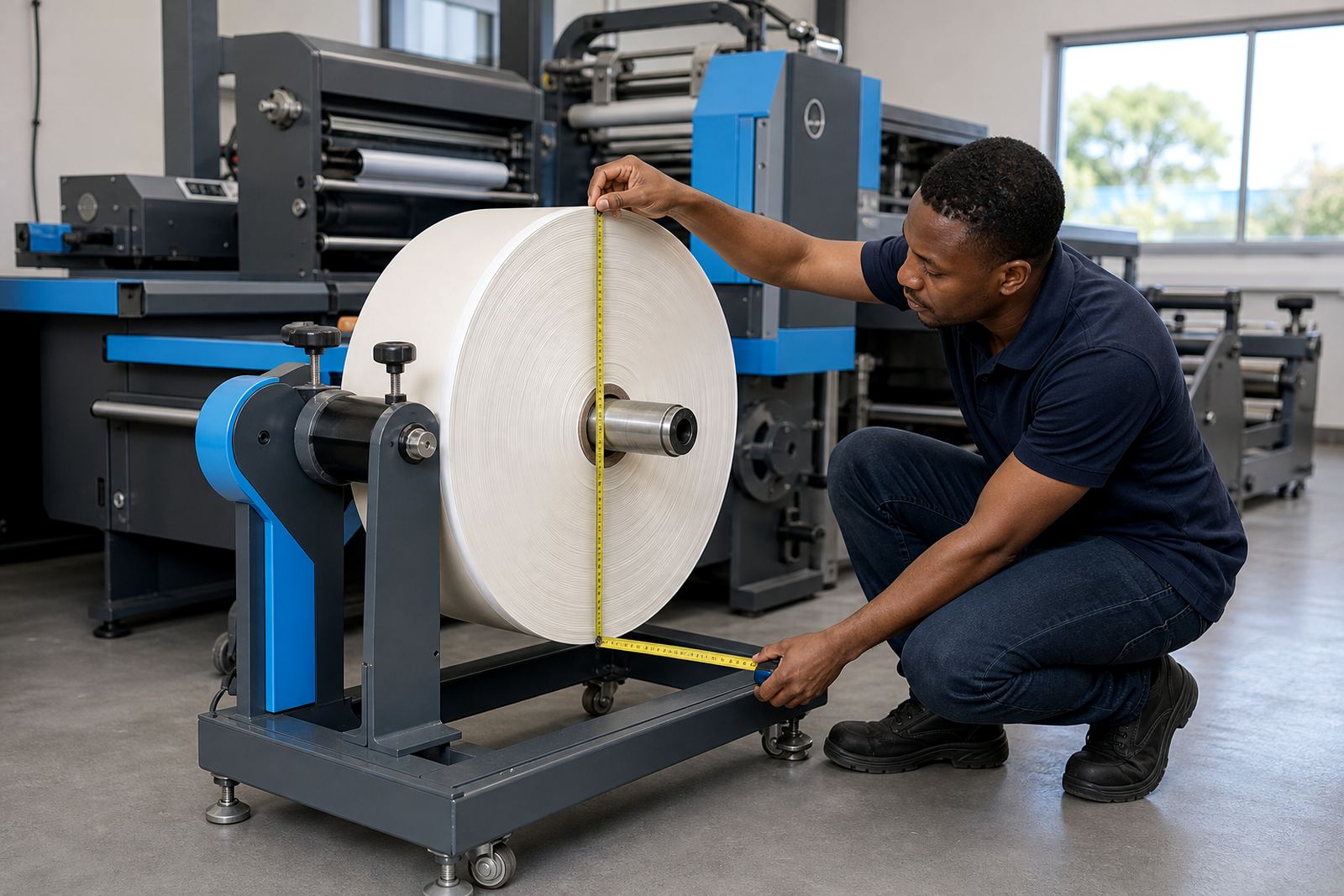
On wider rolls, edge guiding and proper nip pressure can make the difference between a tidy run and constant correction. On smaller rolls, especially where the finished labels are being rewound tightly, the build-up on the roll can affect tension and web path. That is why setup checks need to include the full line, not only the sensor.
- Inspect unwind brake settings before the first test roll.
- Check laminate alignment where over-lamination is part of the job.
- Keep the slit width consistent so the rewind packs evenly.
- Watch for curl, telescoping or loose winding after finishing.
Flexible dies, semi-rotary cuts and laser jobs
Flexible dies need accurate pressure and repeat control, especially where the liner is thin or the face stock is soft. A semi-rotary head cuts in relation to cylinder rotation, so the repeat must be set carefully before production starts. Laser cutting removes the physical die from the equation, but it still depends on registration marks, web stability and a clean cut path through the artwork.
For packaging producers moving between short runs and repeat jobs, the registration plan should suit the changeover pattern. A job with varnish, perforations or multiple up-and-down slits needs a different setup from a plain label run. If the machine is being used across several label sizes on the same shift, note each cut condition separately so the settings are not guessed at the next change.
- Match die pressure to the liner and face material.
- Set semi-rotary repeat before full-speed testing.
- Confirm laser cut alignment against the live print image.
- Record settings for varnish, perforation and slit patterns.
A practical test sheet for the operator
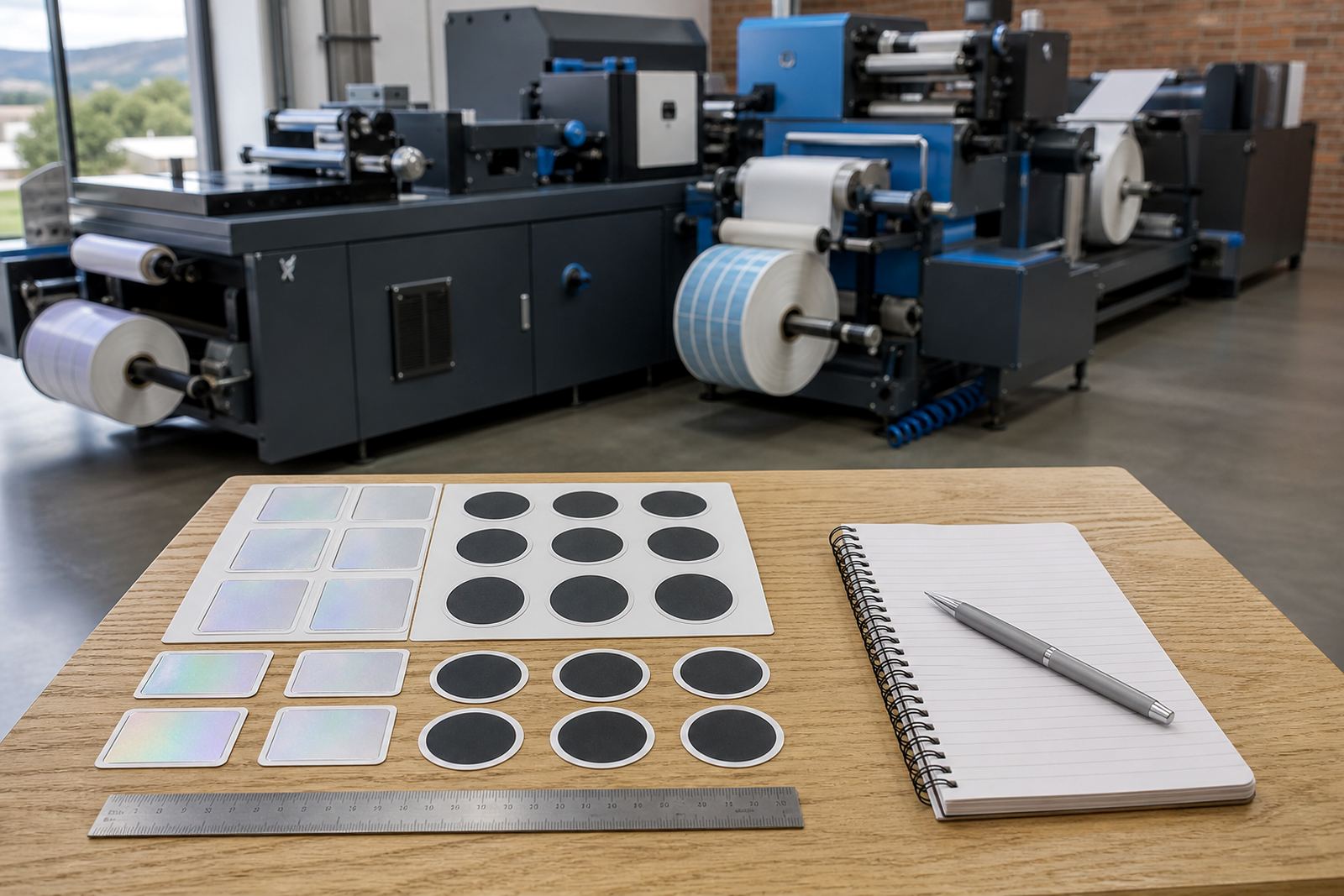
Before a production run, the operator should run a short sample and inspect the cut line, the waste strip and the rewind pack. Good registration means the cut follows the shape, the waste lifts cleanly and the finished roll stays square. It should not wander from one side of the label to the other or cut too deep into the liner.
A useful check sheet is plain and direct. It should show the mark position, sensor type, repeat length, cut depth, matrix strip result and rewind tension notes. That makes it easier for the next shift, and it helps during servicing or breakdown repairs when the machine needs to be reset from a known point.
- Run at low speed first, then move to production speed.
- Inspect the first ten labels and the first rewind section.
- Check that matrix waste strips without tearing.
- Confirm slitting edges are straight and free from feathering.
When setup is out, what usually needs attention
If labels drift on the roll, the fault is often in more than one place. The sensor may be reading correctly but the web could still be moving unevenly. Registration marks that work on one substrate may fail on another, especially when the finish changes from paper to film or when a laminate changes reflectivity. That is where die setup help, registration calibration and production optimisation work together.
Our team supports machines in Kya Sand, Randburg and across Johannesburg, Pretoria, Durban, Cape Town and Gqeberha, with practical attention to the way the line is actually running. If a job keeps losing cut position, the check should cover the print file, sensor setup, unwind, rewind and slitting path as one sequence. For setup support, our contact form is the route to use.
- Look for repeat drift after speed changes.
- Check whether the sensor reads the same mark every cycle.
- Inspect rewind tension and web tracking at the end of the line.
- Review the artwork mark position if the machine settings are already stable.