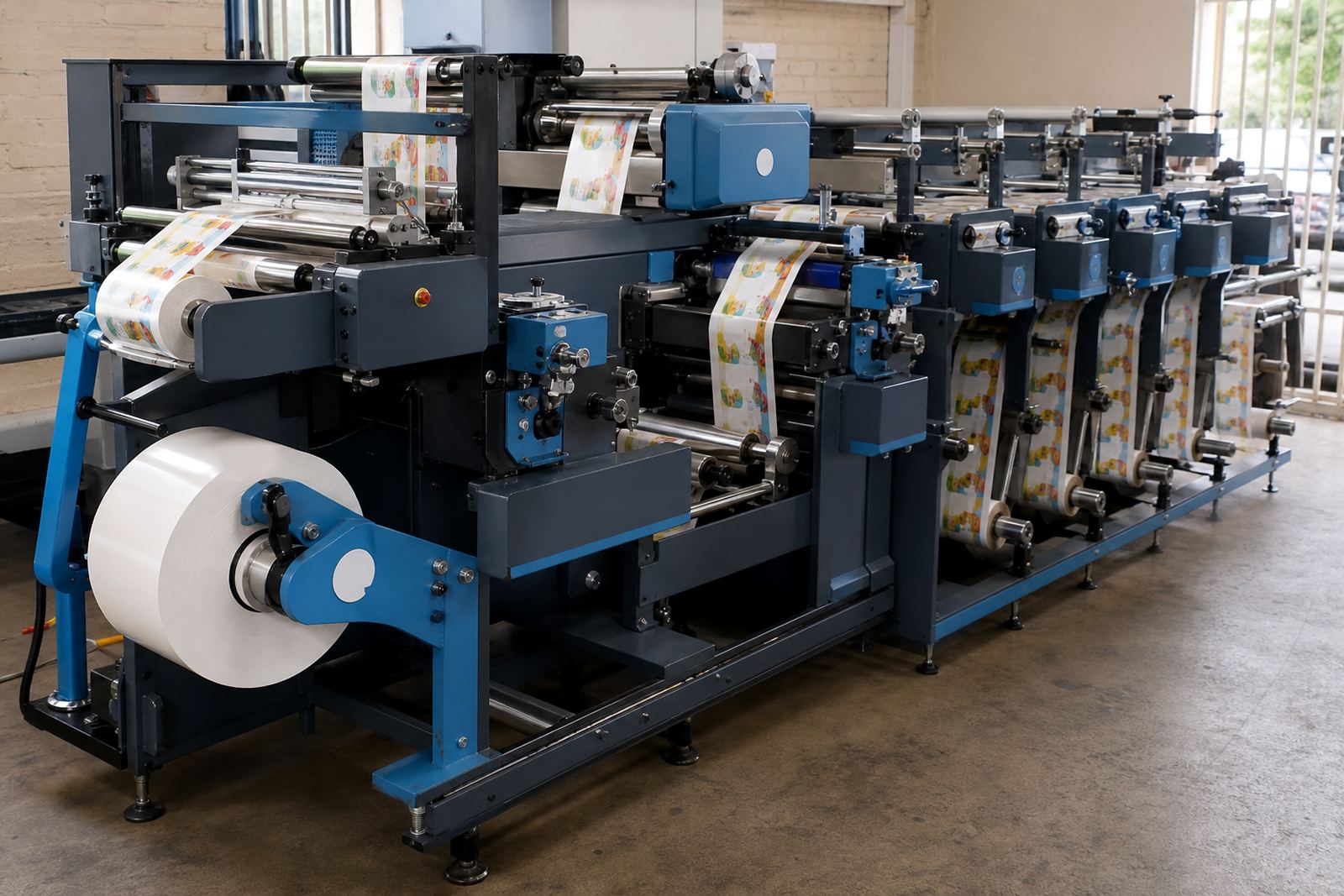

When the cut starts wandering off the print
When a die line drifts away from printed artwork, the first place to look is registration. On label jobs with repeat marks, the machine has to read the mark cleanly and keep the web steady through each station. If the cut shifts across the run, the issue may sit with sensor placement, web tension, or a nip that is slipping under load.
On semi-rotary work, the relationship between cylinder timing and the printed repeat matters even more. A job can look correct for the first few metres then start to creep as the roll warms, the laminate tightens, or the rewind builds weight. In a Randburg or Midrand shop running mixed short runs, that change often shows up first on narrow labels with small margins.
- Check whether the registration mark is clean, dark enough and consistent.
- Watch for web drift after a splice or roll change.
- Confirm the tension profile from unwind through rewind.
Ragged edges usually point to pressure or tool wear
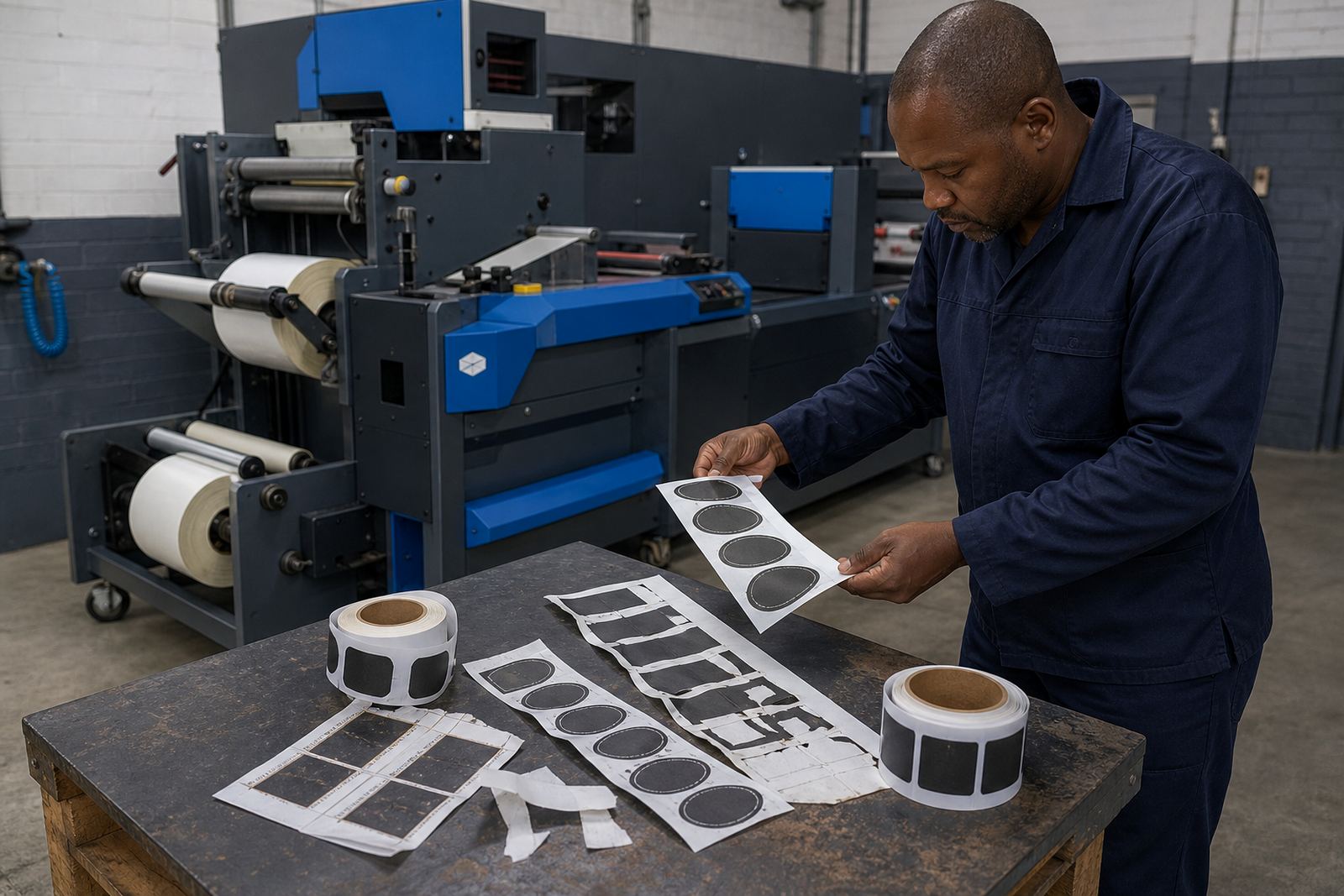
Ragged edges on the label outline can mean the cut pressure is too low, the die is blunt, or the web is moving unevenly under the cutting station. On flexible dies, wear often starts as a soft edge on fine copy or small corner radii before it becomes obvious on the full contour. Laser systems can also leave a rough edge if the energy setting is wrong for the face stock or topcoat.
If the cut is clean in one area and rough in another, look at flatness across the cylinder or bed. Uneven pressure can leave one side undercut and the other side untouched, which is common after a small setup change that was meant to save time. Packaging producers in Durban and Cape Town often see this on lighter films where the material memory pulls against the cut path.
- Inspect the die edge for wear, chips or contamination.
- Test cut pressure across the full web width.
- Compare rough edges on paper, film and varnished stock separately.
Lifted corners and label edges that will not sit flat
When corners lift after cutting, the problem may not be the cut line at all. It can come from overcutting into the liner, excess tension on the rewind, or a laminate that has not bonded evenly before finishing. A label that lifts at the corners is often showing stress from the whole line, not only the final station.
Varnished jobs need particular care because the surface can change the way the web moves through the machine. If the label stock is thick, the matrix may not release cleanly and the edge can curl as waste is stripped away. That is where a technician will look at strip waste settings, rewind tension and how the material behaves after slitting.
- Check whether the cut depth is biting into the liner.
- Review matrix stripping on narrow gaps and rounded labels.
- Look at rewind tightness on finished rolls of smaller diameter.
Matrix stripping troubles that leave waste in the line
Waste matrix problems often appear as tearing, hanging strips or labels pulling loose with the waste. That usually points to poor balance between cut depth, release coating, label shape and waste path. A clean strip needs stable tension and a neat lead path, especially where labels are small and the matrix is thin.
In practice, operators in Johannesburg and Pretoria may see the problem first on intricate shapes or jobs with fine internal cutouts. If the waste path has a sharp turn, the web can snatch. If the matrix is too tight, it tears. If the strip is too loose, it wanders and rubs against the finished roll. Small changes in guide position can make a big difference here.
- Keep waste removal paths as straight as possible.
- Use proper matrix tension for the stock weight.
- Look for adhesive build-up on guide points and rollers.
Slits that wander or leave uneven roll edges
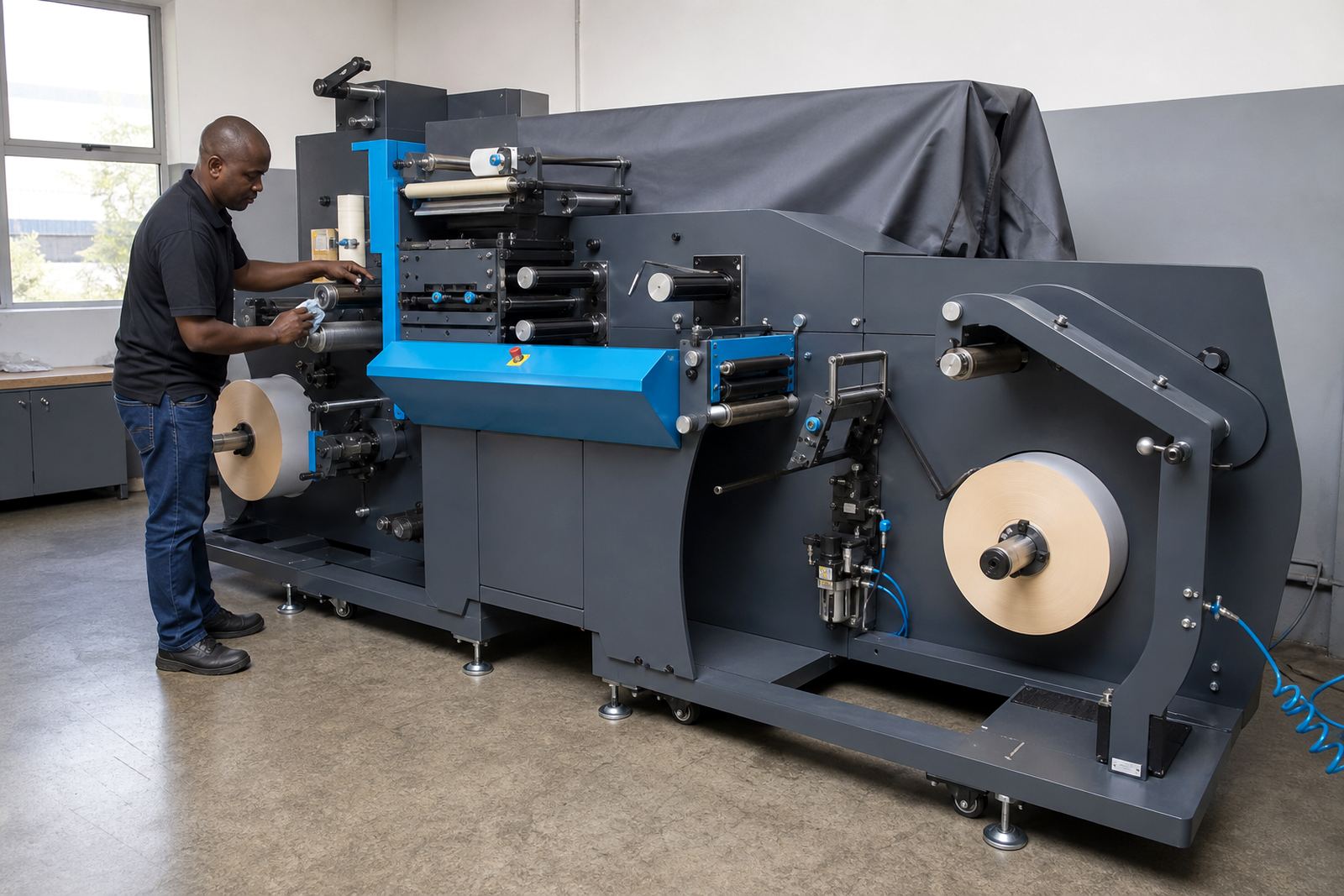
Slitting faults usually show up at the rewind stage. Uneven roll edges, telescoping, or labels hanging over one side can point to a dull slit knife, poor alignment, or tension that changes as the roll gets heavier. A good slit should separate the lanes cleanly without bruising the edges of the finished roll.
If a job has several-up labels, each lane may behave differently. One lane can tighten while another rides loose, especially on wider webs or heavy laminates. This is where operator training matters, because a small adjustment at the slitting station can improve the whole roll pack. For Gqeberha and Cape Town producers working close to coastal humidity, stored stock can also move slightly before it reaches the machine.
- Inspect slit blades for wear and side play.
- Check lane balance before the final rewind starts building.
- Review roll edge quality after storage as well as after production.
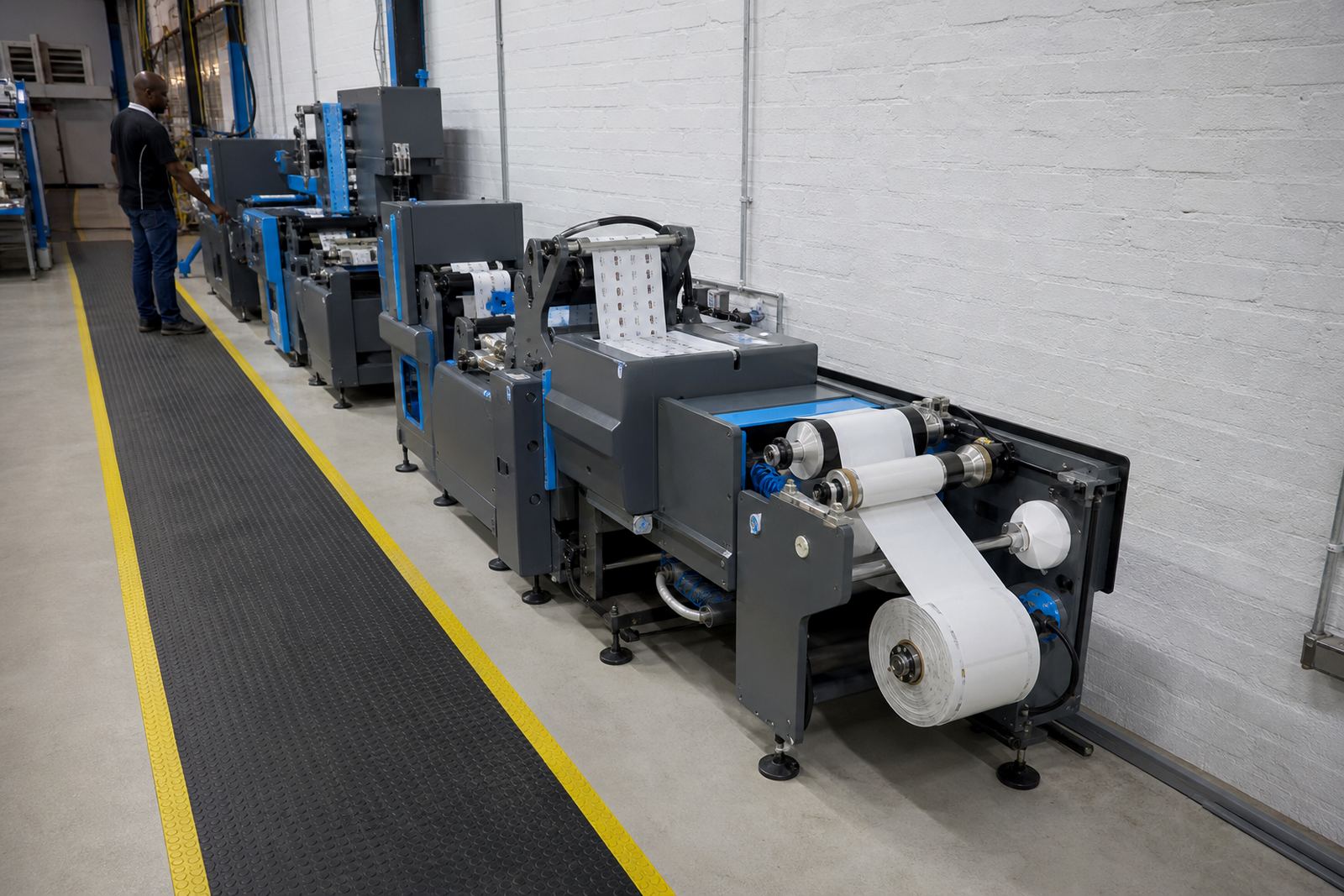
A real shop-floor pattern from mixed jobs in Kya Sand
A common pattern in a Kya Sand label shop is this: the printed roll looks fine, the cut starts well, then quality slips once the rewind tightens and the waste strip gets narrow. That job may have no single dramatic fault. Instead, the line is showing a combination of marginal registration, slightly high tension and a matrix path that is working harder than it should.
In that setting, a technician would normally step through the machine from unwind to rewind, then test registration calibration, die setup, slitting and waste removal in sequence. That approach matters on short-run label work because every stage affects the next one. When the setup is right, the cut edges stay crisp, the labels stay flat and the finished roll feeds cleanly into the next process.
For packaging producers and label printers, the value is not only in fixing the fault. It is in reading the fault well enough to stop it showing up on the next roll.