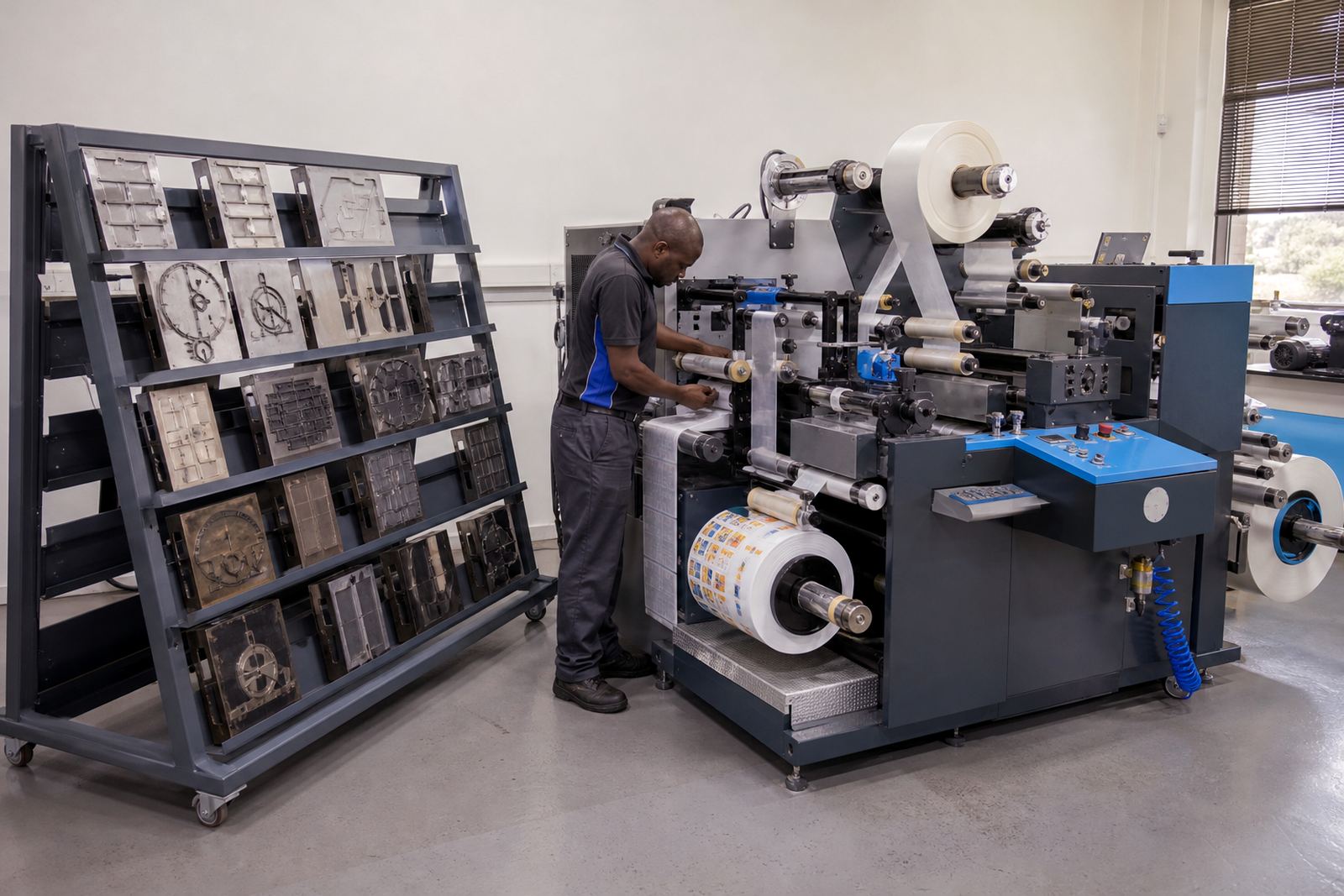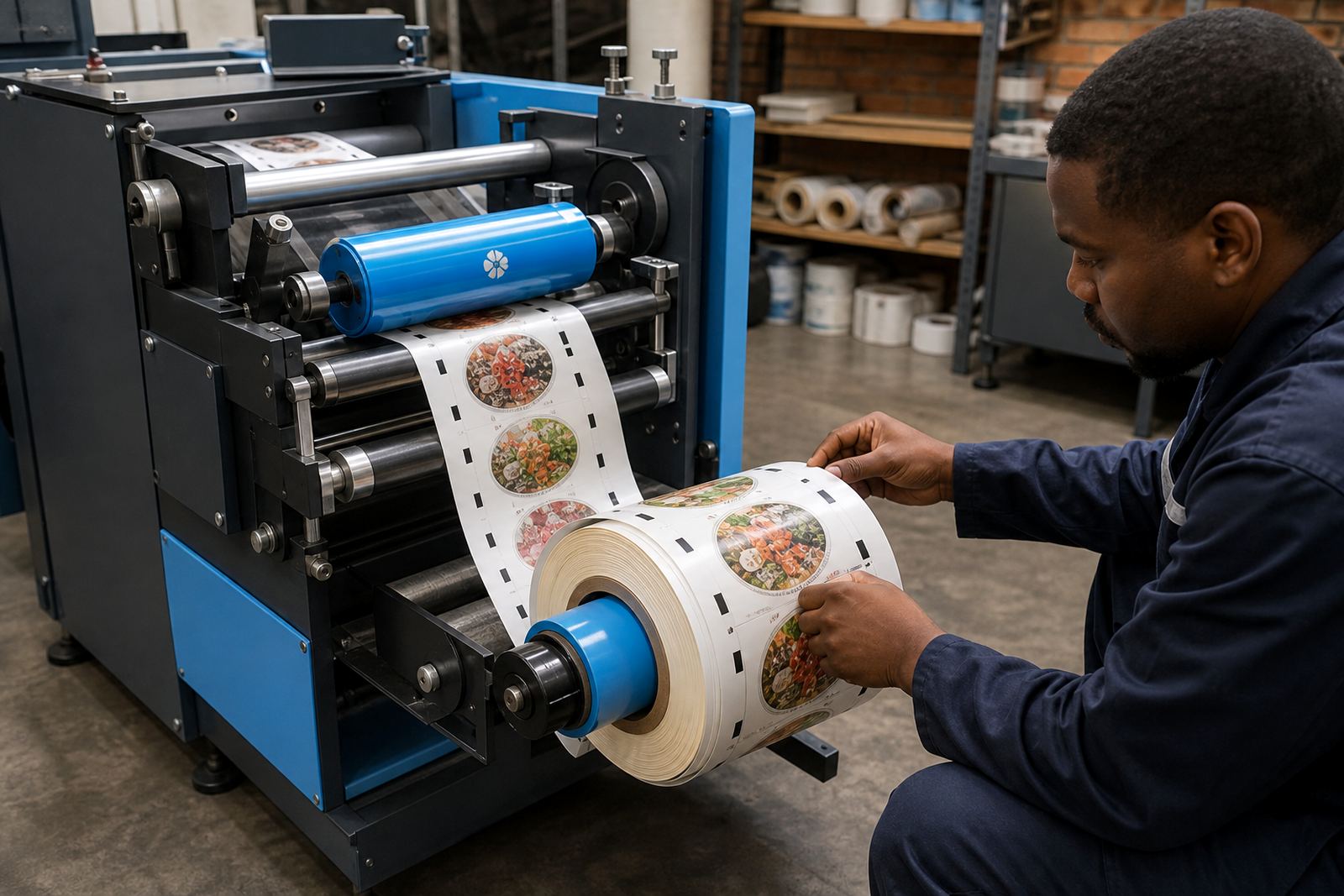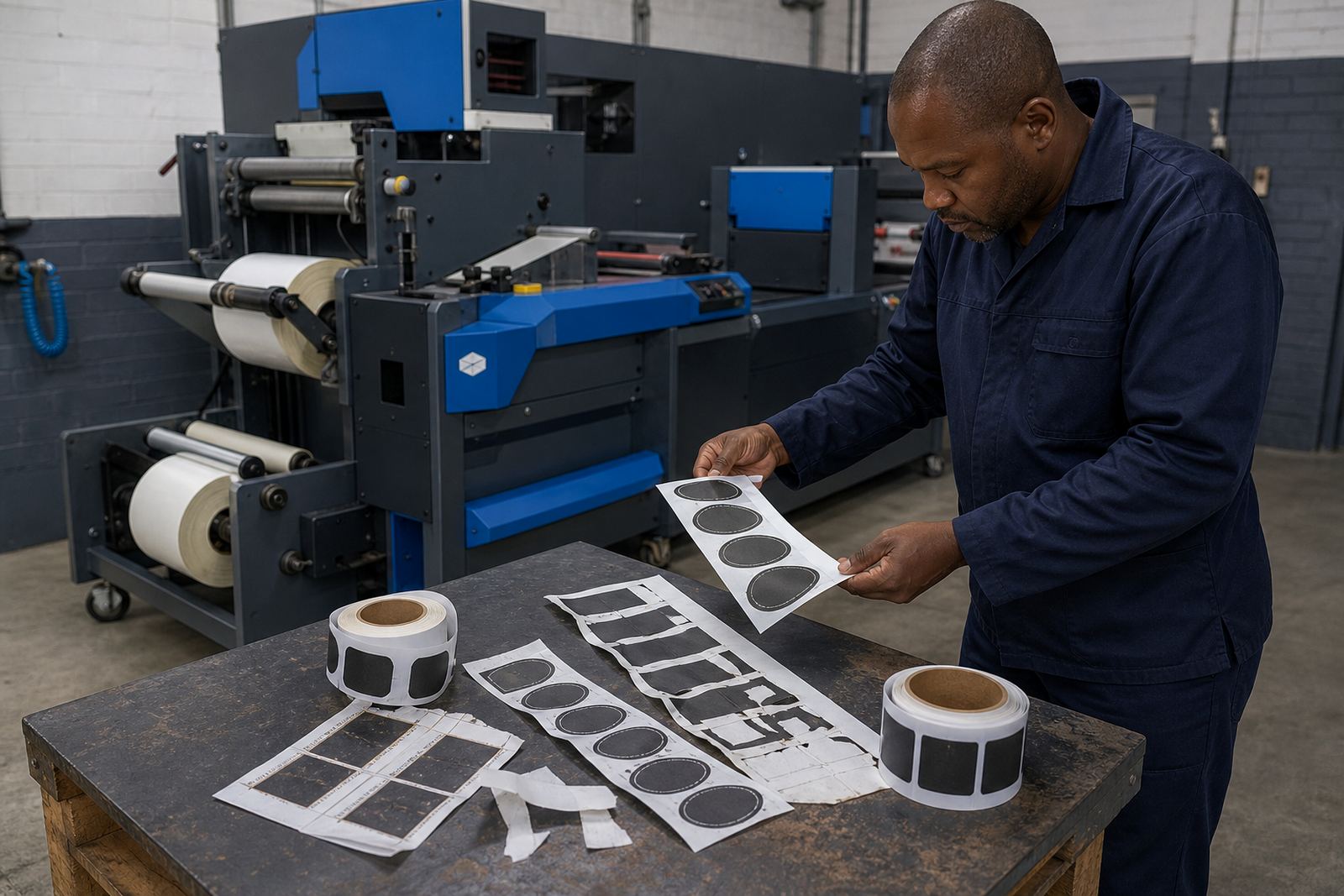

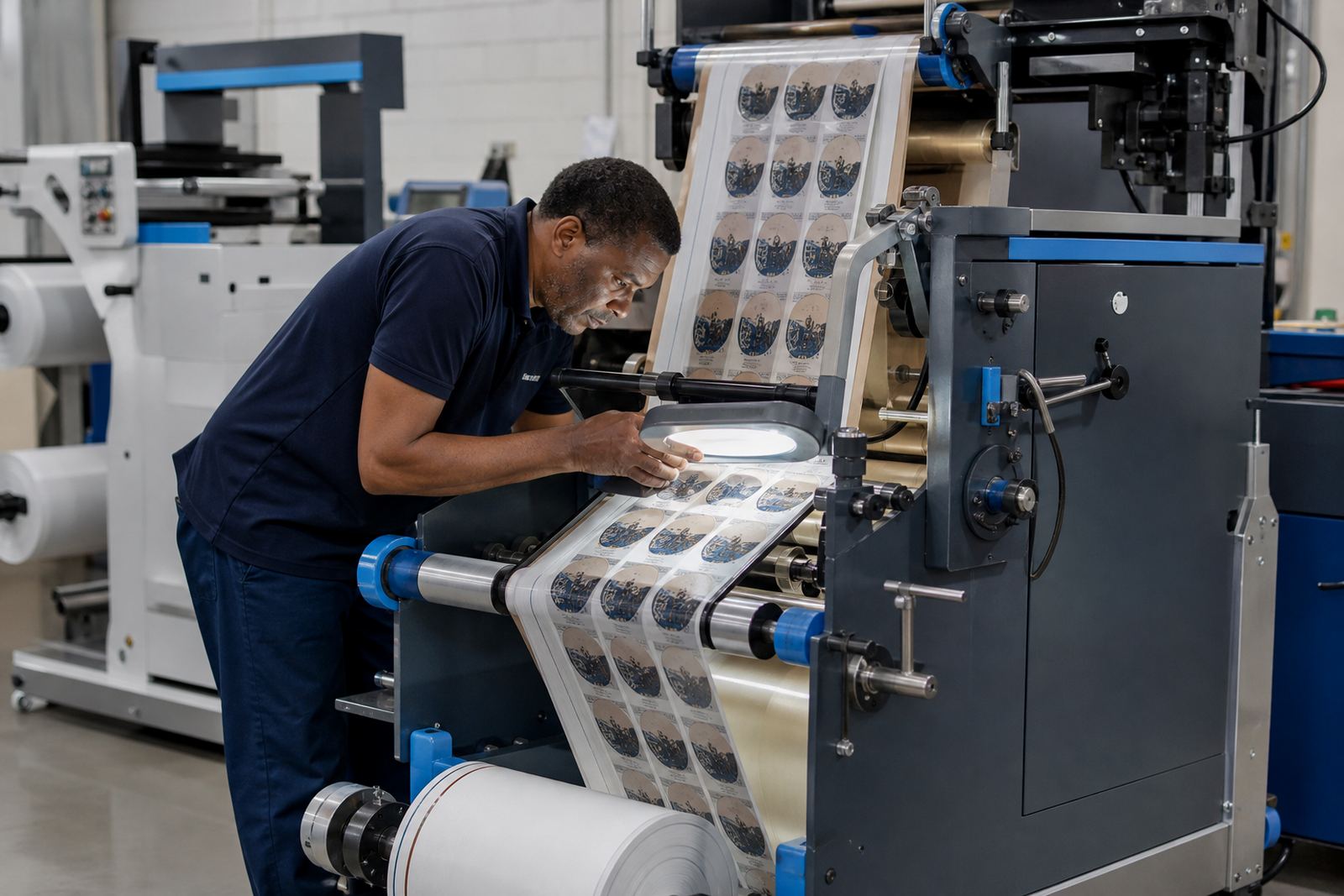
The first clue is usually a repeat pattern
Misregistration rarely appears as one neat fault. It shows up as a cut that sits a fraction off the print, then drifts a little more as the roll moves on. On short labels the error can hide for a while, but on longer repeats it becomes obvious at the lead edge, the tail edge, or both.
In most digital label finishing lines the print, lamination, die-cutting and rewinding stages all depend on steady web travel. If the material slips, stretches, or wobbles sideways even slightly, the cut path no longer lands on the printed image. That is why the first check should always be the pattern of the error, not only the final result.
- Check whether the drift is constant or grows through the roll.
- Look for the fault on one side of the web only.
- Compare the first labels with those produced after the line settles.
Print marks, scanner eyes and the real target
Registration marks are only useful when they stay clear, consistent and readable. A faded mark, a mark hidden under varnish, or a mark placed too close to the die line can confuse the sensor. On some jobs the print itself moves slightly from reel to reel, so the eye is looking at a mark that is no longer in the right place.
When the machine reads marks correctly but still cuts off target, the issue may be in mark spacing or calibration. A narrow repeat gives less room for error than a wide one, and a semi-rotary unit will punish a poor setup faster than a forgiving flatbed process. In busy label plants around Kya Sand and Randburg, this often shows up after a design change that seemed minor on screen but changed the physical repeat.
- Keep marks dark enough for the sensor to see cleanly.
- Avoid placing varnish, foil or clear lamination over the mark area.
- Confirm mark position after any artwork, varnish or plate change.
Web tension problems hide behind neat rolls
Many cutting faults begin before the material reaches the die. Too much tension stretches film and paper webs, while too little tension allows the roll to wander. Both conditions can move the print relative to the cutter head. If the unwind brake, dancer or rewind pull is uneven, the web may look stable to the eye but still move enough to shift the registration.
Humidity matters too, especially with paper labels stored near the coast or in warm warehouses. A material that picked up moisture can change length and handling behaviour, and that small change is enough to upset registration on longer runs. Packaging producers in Durban notice this more often during mixed weather weeks, where the same stock behaves differently from one shift to the next.
- Check unwind brake pressure before adjusting the die station.
- Watch for telescoping rolls on the rewind.
- Confirm that the web edge is tracking square through the path.
Lamination and varnish can shift the job before cutting starts
When a label is laminated or varnished, the added layer can change how the web feeds. A slippery face stock may travel differently from the liner beneath it. If the laminate is not laid down evenly, or if the coat is not cured as expected, the material can bow, curl or slip just enough to alter the cut position.
Flexible dies and semi-rotary systems depend on repeatable travel. If the web length changes between print and finishing, the die no longer meets the image where it should. That is why some crews blame the cutter when the real cause sits in the laminate station, the varnish laydown, or the print stage upstream.
- Inspect whether the laminate is centred and free of wrinkles.
- Check for curl at the edges after varnish or film is applied.
- Measure repeat length before and after coating if the fault keeps returning.
Die setup, pressure and waste stripping need one clean path
A die that is slightly off centre, too deep, or set with uneven pressure can create a false registration problem. The labels may appear to drift because the cut depth changes the way the web moves. Waste stripping then adds another layer of trouble if matrix waste lifts unevenly or snags at a guide point.
In a proper setup the web should leave the die station cleanly, the waste should strip without pull, and the slit lanes should stay true to the print. If one side of the roll is harder to strip than the other, the web can skew and the cut will follow that movement. That is often where our applications team starts on a service call, because a clean feed tells you a lot before any major adjustment is made.
- Set die pressure evenly across the web width.
- Make sure waste lanes are clear and free of drag.
- Check slit knives for burrs that can pull the material sideways.
A Randburg job that looked like a sensor fault
A packaging producer in the Johannesburg area had labels that were drifting off mark on a semi-rotary line. The operator first suspected the sensor, because the fault appeared only after the roll had been running for a while. The marks were visible, the print looked sharp, yet the cut slowly walked away from the artwork.
After checking the web path, the real issue turned out to be rewind tension combined with a slight side pull in the waste strip. The roll was tightening unevenly on one side, which moved the web just enough to upset the die line. Once the rewind setup was corrected and the stripping path was squared up, the job held its position properly. It was a good reminder that misregistration is often a chain of small things, not one obvious failure.
For plants handling short runs, mixed substrates and frequent changeovers, the safest approach is to check the path in order: print marks, web travel, coating, cutting, stripping and rewind. That sequence catches the common causes before they waste material or delay a production batch.
Where to start when the cut wanders
Start with what changed most recently. A new substrate, a different laminate, a fresh die, or a revised layout can all shift the result. Then work from the unwind toward the rewind, because a fault at the start of the line usually shows up later as a cutting error. That order saves time and keeps the diagnosis practical.
If the machine is already in production and the drift keeps reappearing, focus on the settings that control travel, not only the cut head. Rewind setup, slitting alignment, registration calibration and die setup all affect the final result. A careful reset usually tells the truth faster than random adjustments across the line.
- Review the last change made to materials or setup.
- Inspect the web path from unwind to rewind in sequence.
- Recheck registration after any maintenance or tooling change.