
What the job memory controller stores on a label line
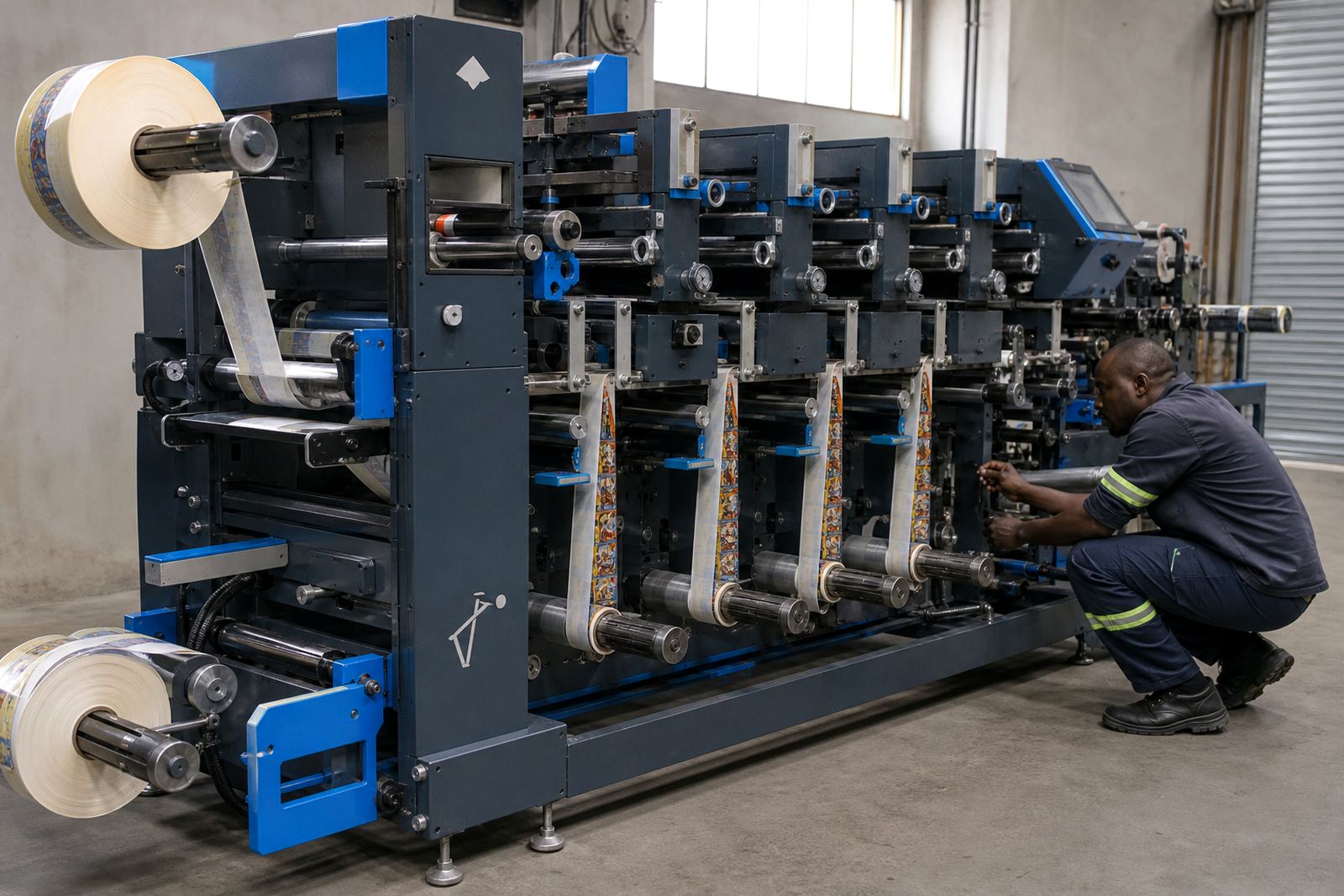
This control interface stores the settings that usually slow a repeat run down: web width, registration offsets, repeat length, unwind and rewind tension, slitting positions, matrix stripping points and any lamination or varnish pass settings linked to the job. On a semi-rotary or laser finishing line, that memory keeps the last working setup ready without starting from zero.
It suits digital label production where short and medium runs keep changing through the day. A controller with job memory is useful when the same artwork returns in different roll widths or on different film and paper stocks, because the saved values help the operator start closer to the right trim and cut position.
For label printers and packaging teams in Johannesburg, Durban, Cape Town and Gqeberha, the value is practical rather than fancy. Less time is spent re-entering the same figures, and the line stays closer to the way it was set for the last approved roll.
Control features that matter on real finishing work
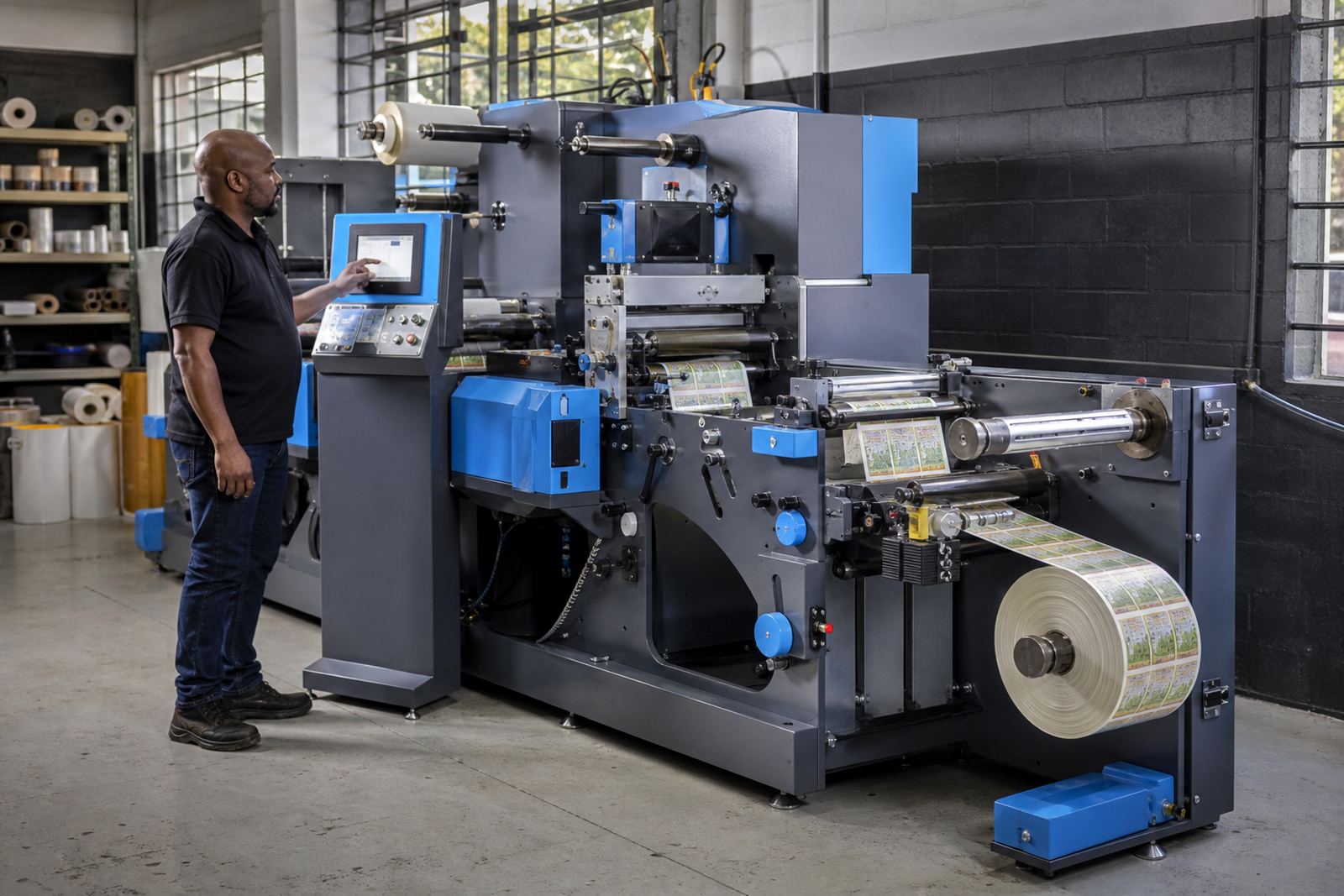
A proper memory controller for label finishing is more than a small screen with numbers. It should hold separate job names, store several hundred setups or more, and allow quick recall of the settings tied to each roll format. Touch-screen menus are common, though some lines still use keypad entry where operators prefer physical buttons.
- Recipe storage for repeat jobs and variants
- Registration mark calibration values
- Web tension for unwind and rewind sections
- Slit pattern, knife spacing and lane count
- Matrix strip parameters for waste removal
- Speed, dwell and cut-length values where the line allows it
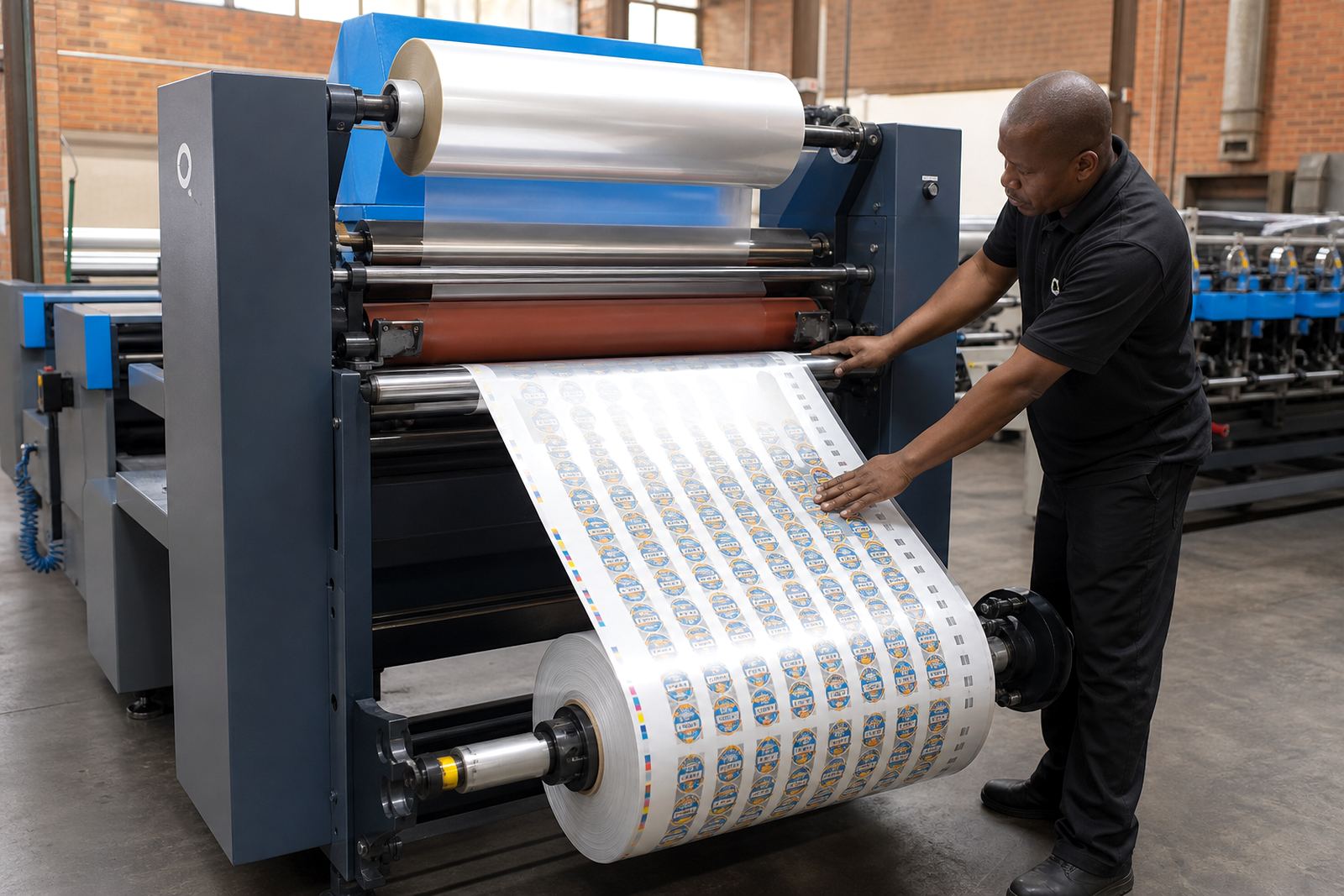
In a line with lamination, varnish, die-cutting and rewinding, the controller should separate each stage clearly. That helps when the same label stock runs on clear film one day and coated paper the next, because the operator can call up the right set instead of guessing where the trim should sit.
Machine sizes and control options
These controllers are usually chosen to match the width and format of the finishing line. Compact units suit narrow-web systems for smaller labels, while larger control panels are used on wider machines with heavier unwind and rewind rolls. The interface may sit on the main frame or in a separate control cabinet, depending on the machine layout.
Typical options include stored job lists, user access levels, screen language settings and connection points for sensors that read registration marks. Some lines also need memory for both semi-rotary and laser set-ups, because the same business may run a mix of label stock and substrate types through the week.
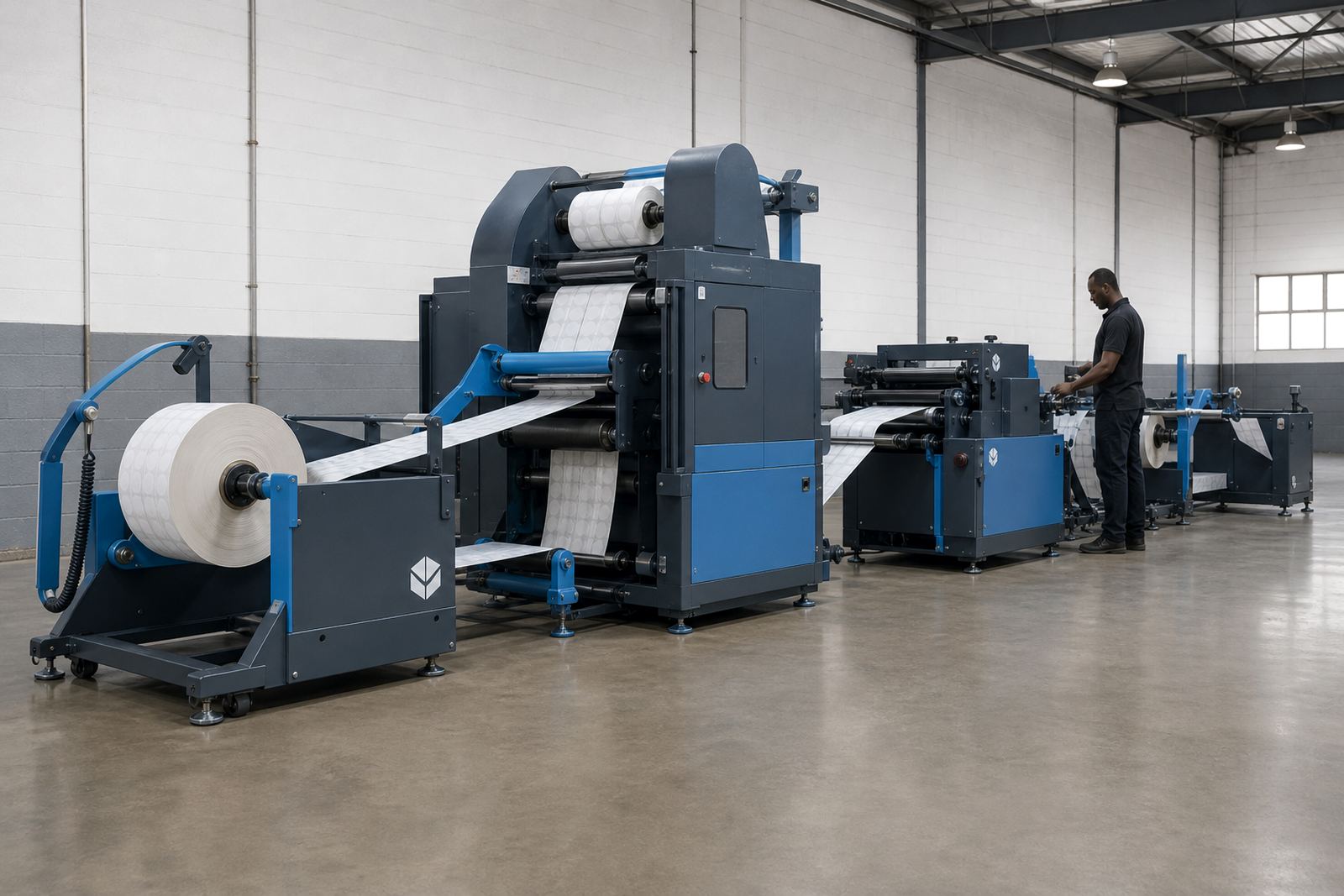
Roll handling matters too. If the machine works with 250 mm, 330 mm or wider web paths, the controller should match the line speed range and the physical stations on the machine. On longer production lines, the unwind, laminator, die station, stripping unit, slitters and rewind can all be tied into one setup record.
Where this controller earns its place
Job memory is most useful where a finishing line sees repeat work with small changes. That includes contract label printers, packaging producers, converters finishing short runs for food and drink, and shops handling adhesive labels for local distributors. The controller helps when the same customer sends the same artwork in a new size, or when a roll needs a different slit pattern for another applicator.
It also helps in plants where one operator hands over to another during the day. The saved setup becomes a record of how the line was running, so the next person does not need to rebuild the whole job from memory. That is useful on lines using flexible dies, matrix stripping, slitting and rewinding in one pass.
- Repeat label orders with changed roll widths
- Short runs with frequent artwork swaps
- Finishing lines with lamination or varnish units
- Operations needing tighter control on registration marks
- Plants running mixed paper and film stocks
Installation, fitting and line matching
The controller has to be fitted into the existing machine controls, not treated as a loose extra. That means checking the sensor inputs, motor interfaces, emergency stops and the way the unwind and rewind units speak to the main panel. On some systems the controller links to PLC logic, while on others it works as a dedicated operator interface with its own memory.
Installation should include a proper run-through of the stored job sequence, a check on registration mark reading and a test of slit, strip and rewind settings under real stock tension. When the line already has remote support or preventative maintenance in place, the memory controller becomes part of the same service routine. In practice, that means the saved settings need to match the machine after servicing, not drift from what the operator expects.
At our Kya Sand, Randburg base, we see this type of control work on new installations and on older lines that need better repeatability. Operator training matters here, because a controller only helps if the team knows how to save a job properly and call it up without overwriting the wrong file.
Care, backing up settings and ordering the right unit
Good care starts with keeping the screen, keypad and cabinet clean and free of paper dust, adhesive fluff and solvent mist. Check cable connections, sensor leads and menu labels during routine servicing. If the machine sits in a coastal environment, especially around Durban or Gqeberha, the cabinet should be kept dry and checked for corrosion at terminals and plugs.
When ordering, confirm these details first: the machine make and control platform, number of job memories needed, screen size, input voltage, any sensor or encoder interface, and whether the controller must handle semi-rotary die-cutting, laser finishing, lamination or slitting. It also helps to confirm the web width, roll diameter and the types of registration marks your line reads.
- Machine width and line speed range
- Power supply and cabinet space available
- Number of stored recipes required
- Compatibility with unwind, slit and rewind stations
- Need for operator access levels or password control
- Whether the job memory must link to existing sensors
Key facts
| Product type | Digital job memory controller for label finishing lines |
|---|---|
| Main functions | Stores repeat setup values for unwind, laminate, die-cut, strip waste, slit and rewind |
| Typical interface | Touch screen or keypad control with stored job recall |
| Memory use | Multiple job recipes with setup values for repeat runs |
| Integration | Works with registration sensors, tension control and machine logic |
| Best fit | Label printers and packaging producers running repeat digital finishing jobs |